Salesforce
Our platform enables you to quickly and easily connect your data sources to Salesforce Objects.
This enables a one-way synchronization to occur - where any changes in the Salesforce Objects are downloaded into your data source on a regular basis.
Your data source will be automatically updated in this way until you remove the connector or an error occurs (such as losing authorization to access the database).
Before you add a SalesConnector, you must ensure that you have a valid Salesforce Connection set up on your organization.
How to add a Salesforce Data Source Connector
Add a Salesforce Connector to your Data Source by following these simple steps:
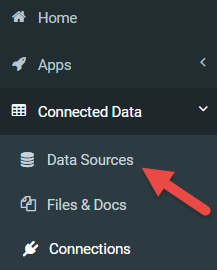
- Navigate to Connected Data -> Data Sources
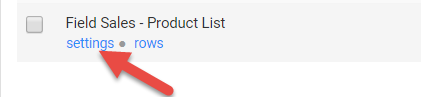
- In the list of available data sources, hover your mouse over the listing of the data source you wish to connect. A set of options will show; click on the settings link.
On the Settings page, mid way down you should see a Connector heading.
- Click

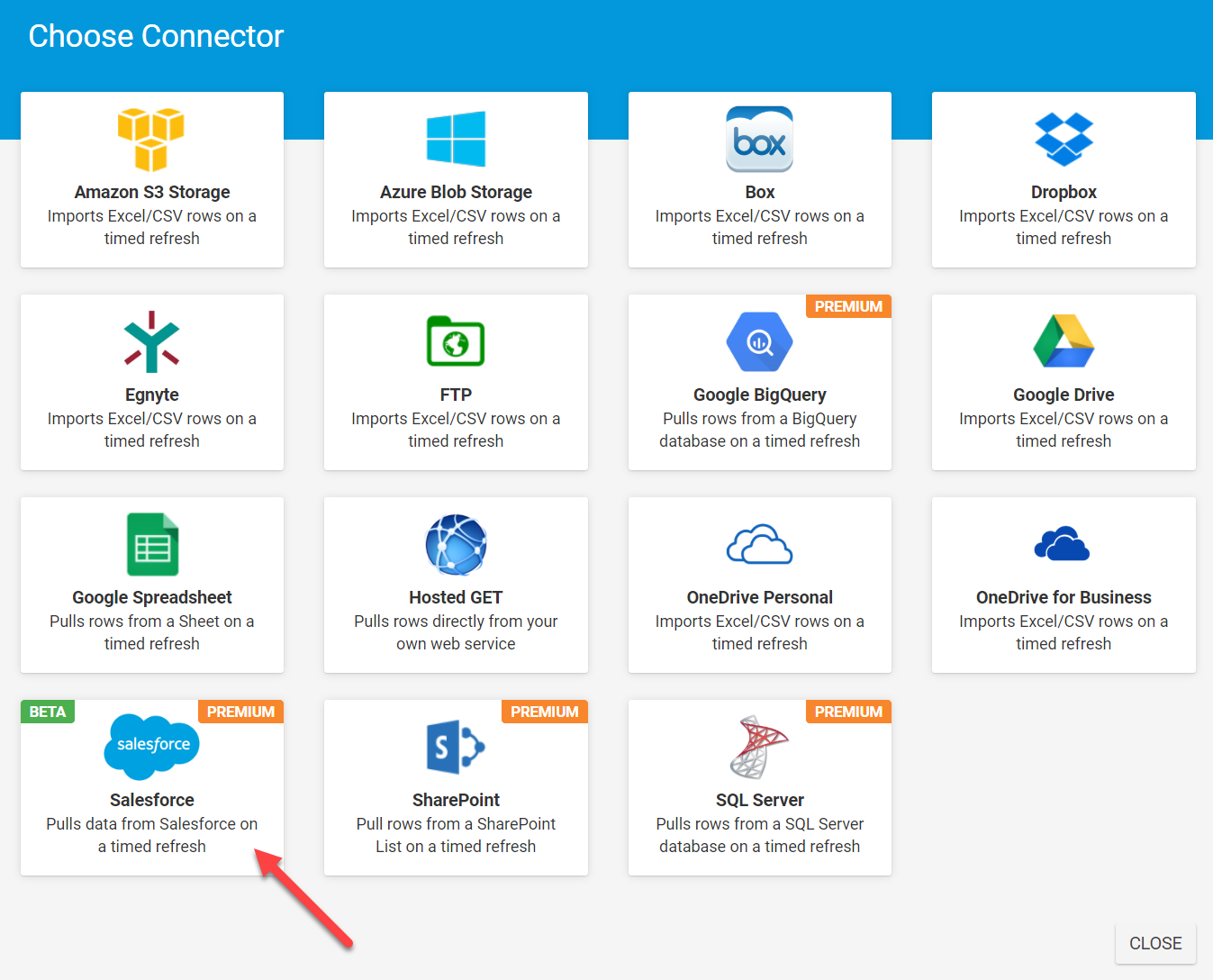
- A new window with the selection of connectors to choose from
- Click on the Salesforce Connector

The page should refresh with your newly added-connector.
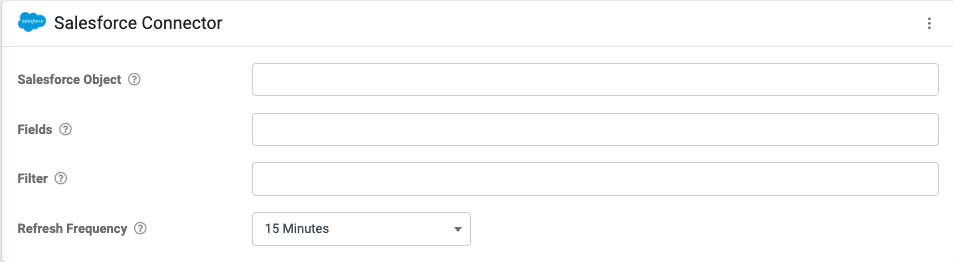
Next, configure the following:
- Salesforce Object - The name of the Salesforce Object that will be queried - e.g., Contact, WorkOrder
- Fields - Specify all of the fields that will be returned from the query comma separated - e.g., Id, Name, Lastname
Complex compound fields are not currently supported but can be referenced by the fields that they are compromised of. Instead of referencing the complex address type "MailingAddress", rather reference the sub-fields "MailingCity" or "MailingStreet". - Filter - Add an optional filter clause to the query that will only return desired records - e.g., WHERE Lastname = 'Good'
- Refresh Frequency - The frequency that data is pulled by this connector.
When you save your changes, the connector will be fired for the first time and after that will run at the interval you specified in the connector settings. Wait a minute or so and then check the Rows page for your data source.
If rows are not downloaded, then there may be an error with the connection to Salesforce. You can check this by clicking on the View Logs button shown next to your connector on the Settings page.
Related Articles
Connecting to Salesforce
The Data Hub area of the platform is where you can add connections for connectors. Navigate the side menu to Data Hub > Connections. On the Connections page: Click the ADD CONNECTION button in the top-right-hand corner to bring up a list of ...Data Source Connector – Salesforce
Our platform enables you to quickly and easily connect your data sources to Salesforce Objects. This enables a one-way synchronization, where any changes in the Salesforce Objects are downloaded into your data source on a regular basis. Your data ...Form Connector – Salesforce
Our Premium connector for direct connection to Salesforce. Our platform enables you to quickly and easily connect to objects on your Salesforce account. This enables a one-way synchronization to occur, where any Form output files are pushed to ...