Email-less Login
Enable users to log in with a non-email identifier like an SSO username or ID when using Okta or Ping Identity, when Enterprise Toolkit is activated on an account.
Use the left-side menu on the platform to navigate to Admin > Organization Setup. Then on the top-left of the organization setup page click on Integrations scroll to External User Authentication and Provisioning > and click + Add Connector. If Okta or Ping Identity is set up, you'll see the Email-less Login option.
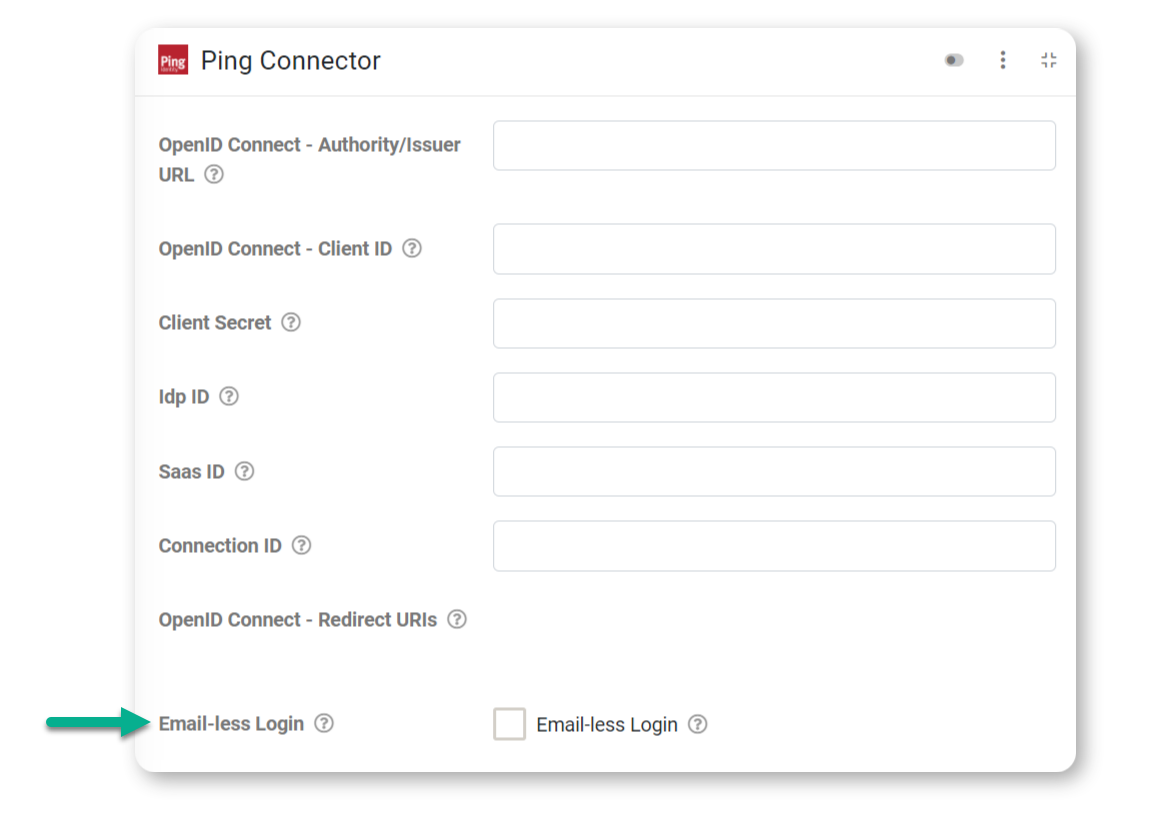
When Email-less Login is enabled, external user authentication will no longer require an email address when logging in. All that will be required is a unique user name or identifier defined in your external identity provider, that is no less than five characters long for the user to log into the app or web portal.
This will be evident on the web portal when navigating to the user's details page, Admin > Users & Groups > Edit User, displaying a Login ID property and the existing Email address property.
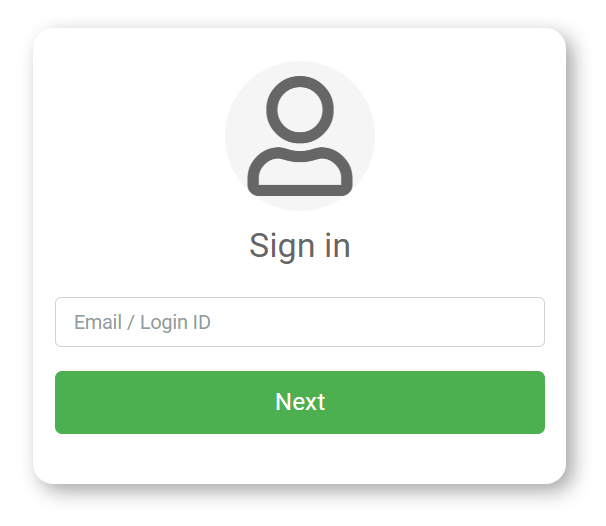
Users can enter their Login ID instead of an email address when logging in.
Related Articles
Email
One of the most common requirements is to be able to email a copy of the Form entry to various people. For example, if a building inspection is performed, you may want to email a Certificate of Inspection to the building owner. Or, if you are taking ...Email- Form Connector
One of the most common requirements is to be able to email a copy of the Form entry to various people. For example, if a building inspection is performed, you may want to email a Certificate of Inspection to the building owner. Or, if you are taking ...Single Sign On with Azure Active Directory
Prerequisites Before you configure provisioning, check the following in your platform account: Ensure you are subscribed to our Enterprise Edition plan, since this unlocks our Azure Active Directory integration options. Please contact your ...Adding a Salesforce Connection
TABLE OF CONTENTS Configuring Salesforce Creating a New Connected App (Settings Required) Manage Connected App Configuring the Salesforce Connection To add a Salesforce Connection, go to the Connections page which is accessed via Menu -> Connected ...Formula Operators & Functions
TABLE OF CONTENTS Formula Builder Hints EXAMPLES OF COMMONLY-USED FUNCTIONS Contextual Functions Math Functions Text/String Functions Repeatable Group Functions Logic Functions Data Conversion Functions Choices Functions Whenever you see a "hammer" ...