Single Sign-On (SSO) is an authentication method that allows users to sign in to multiple independent software systems using one set of credentials.
If your organization has the Enterprise Toolkit add-on enabled, you can choose from various SSO options for your users. If you don’t have Enterprise Toolkit enabled, you can still use SSO by activating and configuring the REST authentication option.
In this article, we’ll discuss a few SSO’s benefits and why you might consider using it to manage your organization’s users.
User passwords are never stored on our platform when external authentication is configured.
SSO Benefits
- Fewer Passwords to Manage
Users only need to remember one strong password, reducing the risk of weak or reused passwords. - Reduced Attack Surface
Fewer logins mean fewer chances for phishing, brute-force attacks, or credential leaks. - Centralized Access Control
IT can manage user access from a single point, making enforcing policies easier or revoking access when someone leaves. - Stronger Authentication Options
SSO often integrates easily with multi-factor authentication (MFA) or biometric verification. - Fewer Help Desk Calls
Users forget fewer passwords, reducing the number of password reset requests to IT support. - Audit Trails & Compliance
SSO providers offer logging and monitoring, making it easier to track usage and comply with regulations (like GDPR, HIPAA, etc.). - Scalability
As your organization grows, SSO simplifies managing access to an increasing number of tools.
SSO Options
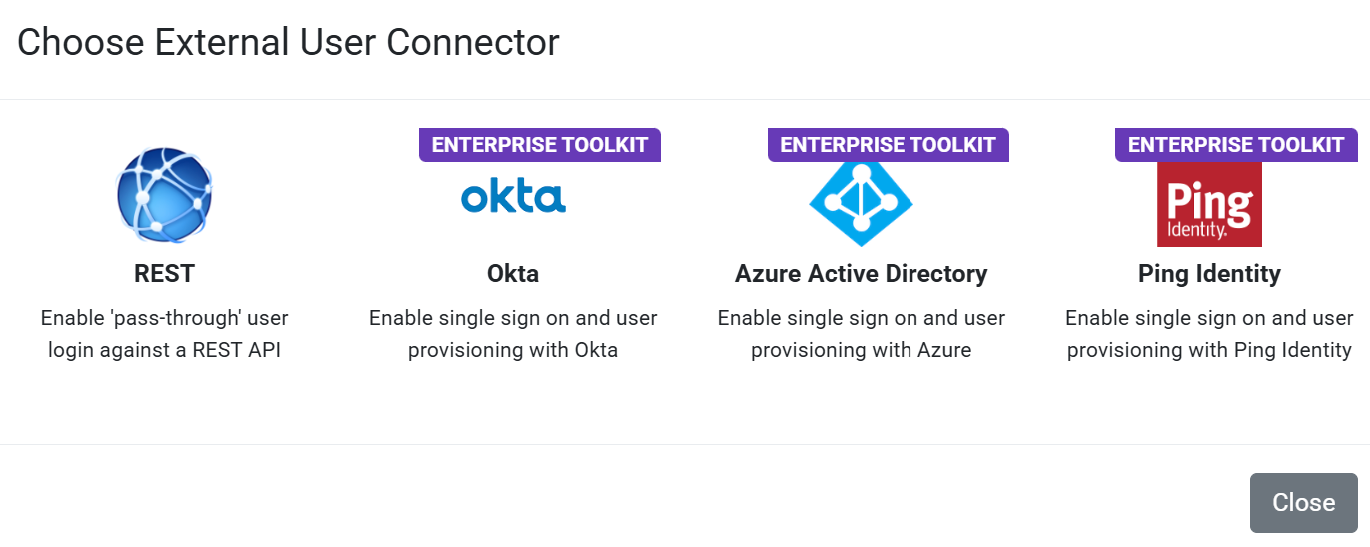
To set up an external user authentication connector for your users, navigate to:
- Organization & Users (side menu)
- Organization Setup (side menu)
- Integrations (page option)
- External User Authentication and Provisioning (page section)
- Click the “Add Connector” link to bring up the user connector options available
| Service | Details |
|---|---|
REST | Authenticate your users against an external system, such as a web service or enterprise identity provider. External User Connector – REST |
| The following requires Enterprise Toolkit. | |
Microsoft Entra ID (Azure AD) | Suppose your organization is already heavily invested in Microsoft services. In that case, activating the Azure Active Directory user connector is a great way to allow your existing users to authenticate on our platform with the same login credentials easily. External User Connector – Azure |
Okta | Okta is a popular, vendor-agnostic, cloud-based SSO option. You must have your account with Okta set up to configure this service. External User Connector – Okta |
Ping | Ping is another vendor-agnostic authentication service with great developer support. Ping supports myriad authentication options from OpenID to SAML and OAuth. External User Connector – Ping Identity |