Key Concept: Tasks (Job Dispatch)
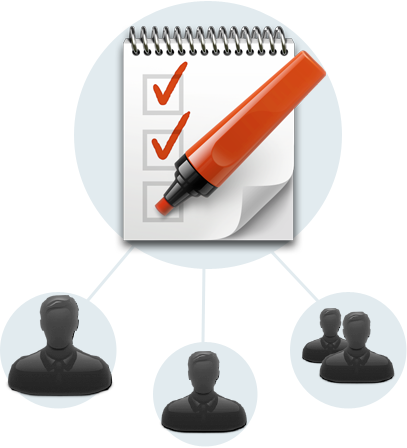
Tasks allow you to assign Forms, Docs, and free text Instructions to specific app users in the field. You specify a date and time for completing the Task. Additionally, you can specify an optional location and even require that the user complete the Task at the location.
This allows you to upgrade processes that used to rely on paper, phone calls, and email. Instead, use an app to seamlessly inform and track activities going on in the field.
A Task is composed of one or more Activities that define the individual steps involved in the Task. This way you can create complex Tasks that have a number of steps or required actions.
Each Task Activity must be one of 3 types:
- Fill out Form - like the name says, the assigned user must fill out a specified Form
- View Doc - the assigned user must view the specified Doc
- Instruction - a free text instruction that must be checked off by the assigned user
Every Task must be assigned to an app user.
You can delete Tasks at any time. This will remove the Task from the app user’s Task list on their device.
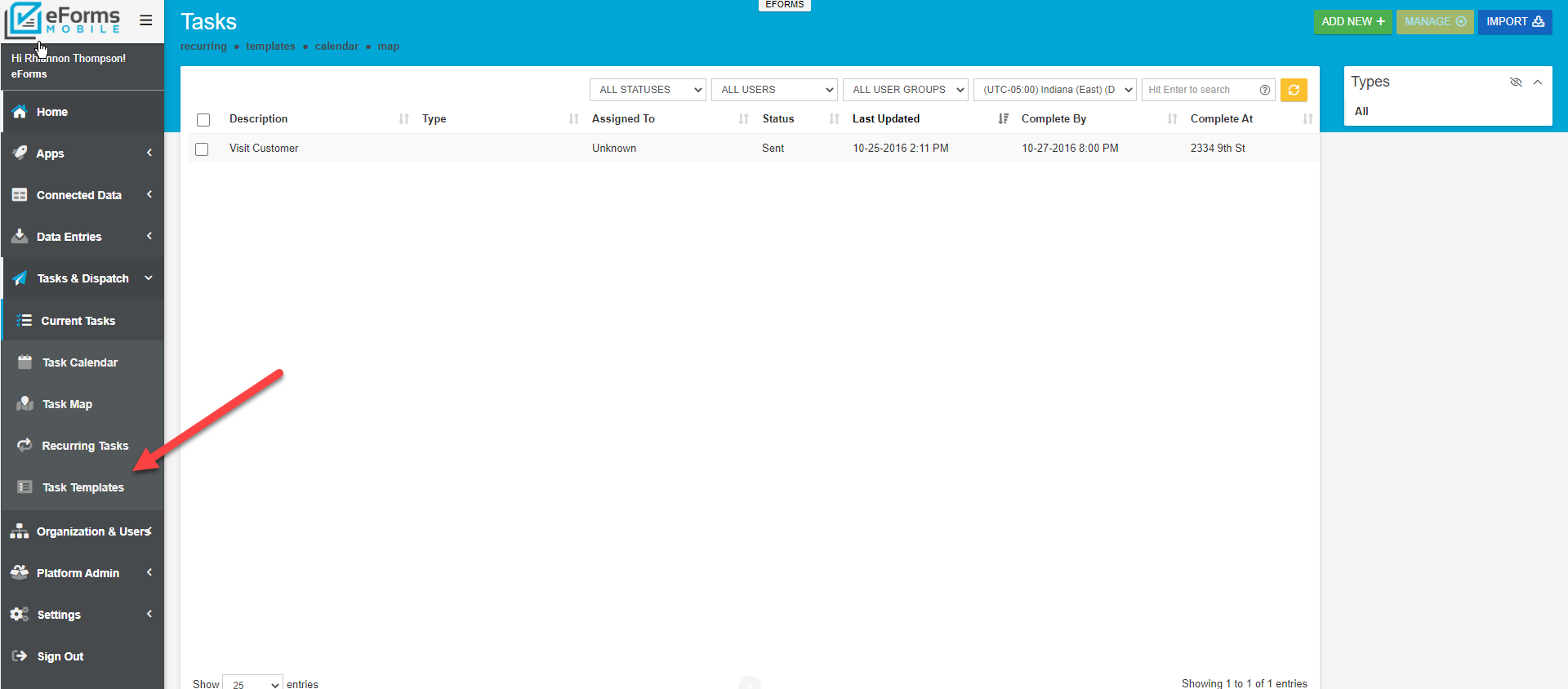
Furthermore, you can create Task Templates out of commonly created tasks. This allows for rapid dispatch of Tasks to users in the field.
Related Articles
Key Concept: Screens
TABLE OF CONTENTS Form screen/Data Entry Form List of Data screen Details screen Board of Icons screen Map a Data Source screen Screens List Creating a new Screen Screens allow you to assemble your app in an extremely flexible and simple way. Almost ...Key Concept: Docs
The Docs feature allows you to upload and manage any kind of file that you want to make available to app users in the field. Now you can replace paper documents carried around by your workers with digital versions that are always available to them. ...Key Concept: Data Sources
Data Sources let you create and maintain logical data sets that can be used in Screens. A few examples are a list of choices, a product catalog, and a list of contacts. You can use Data Sources in Choices questions across any number of Forms. Data ...Creating Forms with AI
Instead of building from scratch, Generate Forms by describing what you need – using text or voice – and our AI will create a robust starting point. This reduces your setup time and delivers a working solution faster. Then, using Conversational AI ...Flow Layout Field
The Flow Layout field lets you arrange fields side-by-side in a flexible column or grid layout. Essentially, it’s a container that holds multiple fields. Those fields are displayed side-by-side based on the device: up to 2 columns on mobile and up to ...